
Remember beyond today
Spaced review and varied rematches bring useful commands back. Guided participation and independent recall stay distinct.
COMMAND-LINE PRACTICE, WITH A PURPOSE
From your first pwd to fixing a Linux host. Short
drills, practical labs and a reason to come back tomorrow.
Free to start. One-time Full Access. This update is included.
# Understand the problem.
$ systemctl status reporter
# Make a deliberate change.
$ systemctl enable --now reporter
A bigger toolkit. The same promise.
No subscriptionsNo app analyticsNo account required01 / FIND YOUR NEXT STEP
Start where you are. Follow a track, revisit a weak spot, or jump into something useful.
Navigate files, read output, work with text and understand permissions. Build the foundations before adding complexity.
Explore the free foundations course ↗02 / A BIGGER PRACTICE GROUND
Connect the command to the job. Work through accounts, packages, persistent networking, storage, SELinux and recovery in a structured administration track.
Explore the RHCSA trackIndependent learning product. Practical content awaits independent technical review.
Short explanations, supplied facts and local documentation.
Stateful exercises with files, services and saved configuration.
Check the result, practise a different variant and try a real-machine guide.
03 / LESS WATCHING. MORE DOING.
A small taste of state-based practice. Starting a service and keeping it running after reboot are two different things.
This website demo supports only the commands listed above. The app’s labs represent more state and declare their own limits. Neither is a complete Linux runtime.
04 / MAKE IT YOURS
Keep the focused experience you know. Or give your practice a new sense of adventure.
Your existing Today screen, practice flow, ranks and badges. Classic stays the default when you update.
One progress history. One purchase. No starting over.
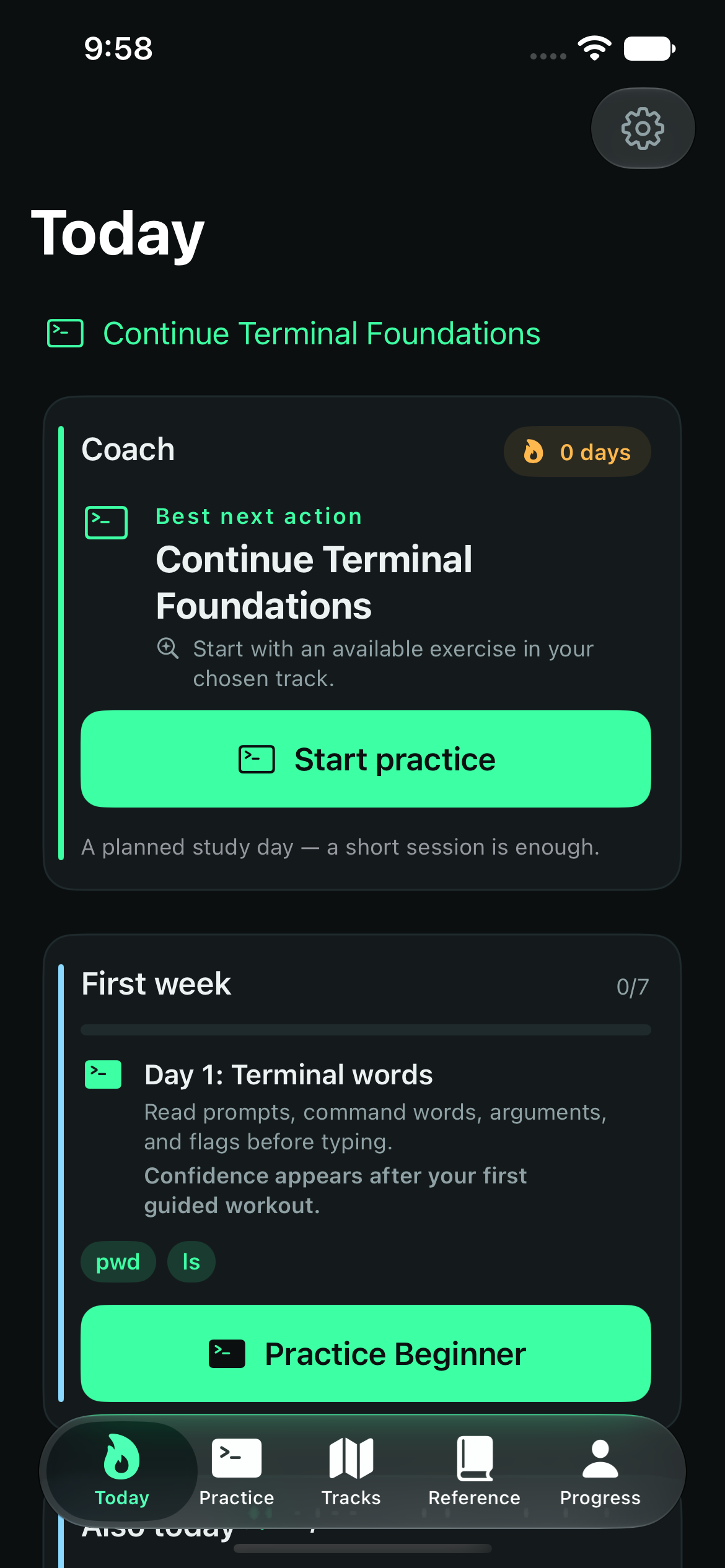
05 / SMALL SESSIONS. USEFUL OUTCOMES.
Guidance when you need it. Independent recall when you’re ready. Clear evidence of what to practise next.
Spaced review and varied rematches bring useful commands back. Guided participation and independent recall stay distinct.
Resume lab checkpoints, inspect your session history and transfer learning data with a manual backup.
Short phone sessions, a larger iPad workspace and a Mac app with room for reference and keyboard input.
06 / THE PROMISE HASN’T CHANGED
Already own Full Access? This entire expansion is included. No new tier. No second purchase.
Get a feel for the learning experience before you buy.
All four tracks. Every current lab. Future content updates.
One-time in-app purchase. No subscription. Restore through Apple using the purchasing Apple Account.
Version 5.3 is being finalised for release. The App Store still offers the previous version. Mac has a separate review. Purchases retain the included-update promise.
No. Drills check command answers, and practical labs simulate a declared subset of machine state. Neither the app nor this website runs commands on your device’s operating system.
No. The existing one-time Full Access purchase includes all tracks and future content updates, including this expansion. The App Store shows your local price before purchase.
Yes. Classic remains the default. Adventure is optional in Settings, and both modes share progress, XP, content and purchases.
No. It is an independent practice companion targeting RHEL 10. Practical content is labelled as awaiting independent technical review. Completion does not predict an exam result.
Yes. App learning content is bundled, with progress and checkpoints stored locally. Apple’s purchase and restoration services may need a connection.
Version 5.3 is being finalised for release. This page previews the update; the App Store still offers the previous version. Mac availability will follow its separate review.
YOUR NEXT USEFUL COMMAND IS WAITING
Offline practice. Your progress. Your pace.